Manage Bookings
How to Manage Your Bookings
This section provides guidance on effectively managing your bookings. Our booking management system covers every aspect of the booking process, from booking to arrival. Key features include:
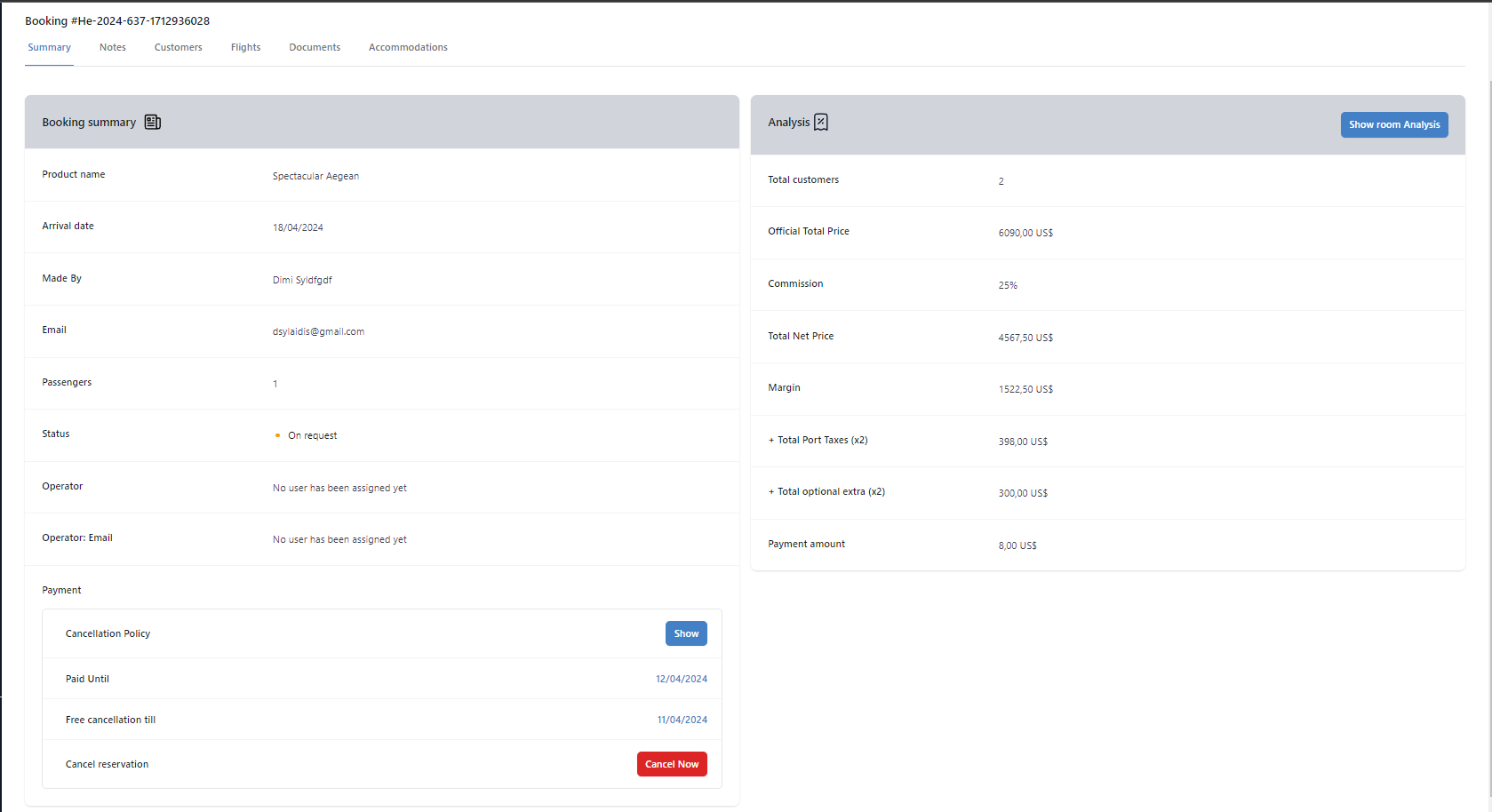
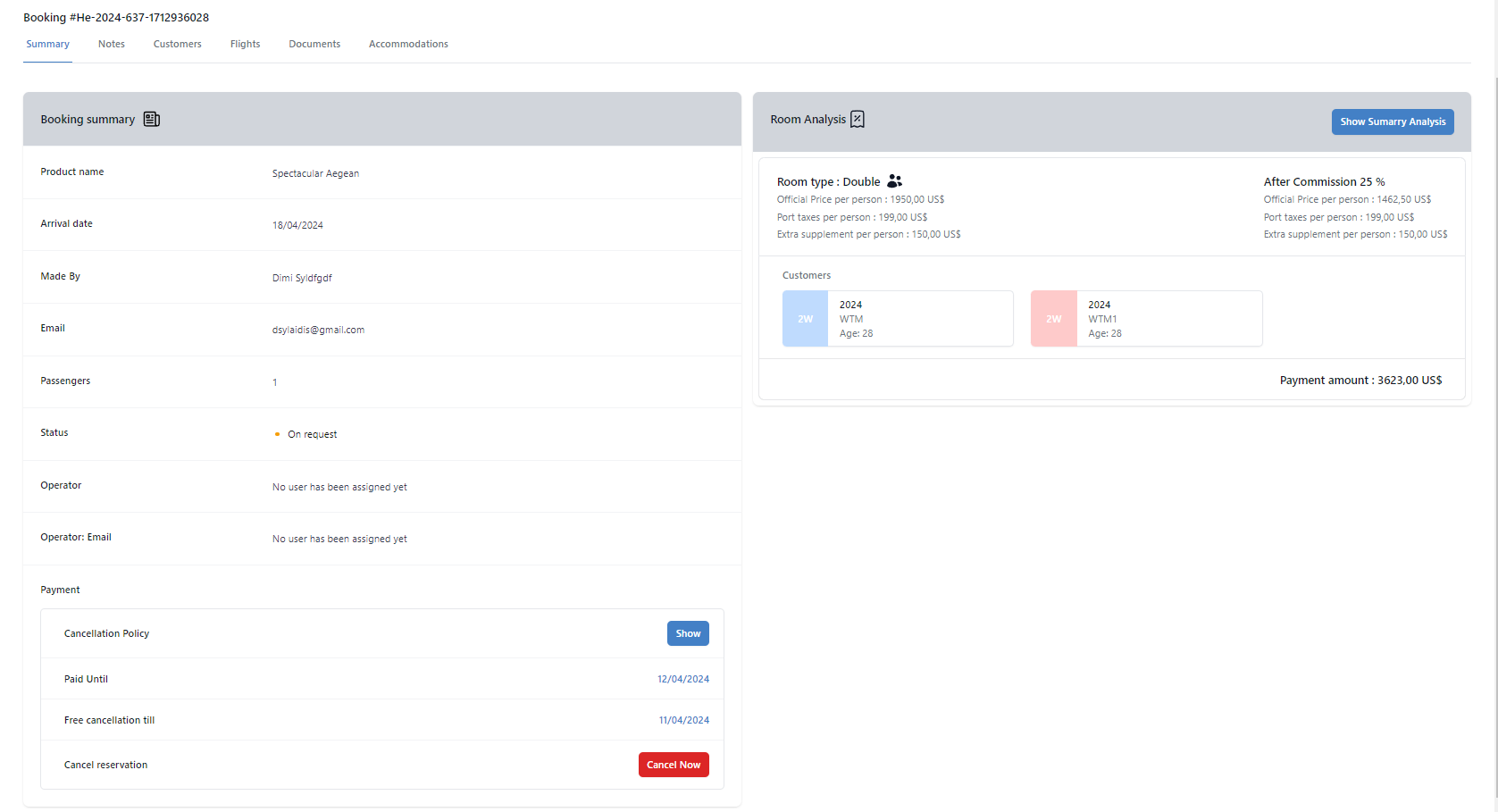
- Booking Summary Provides detailed information about your booking, including the operator, arrival date, cancellation policy, payment, and financial analysis or room analysis.
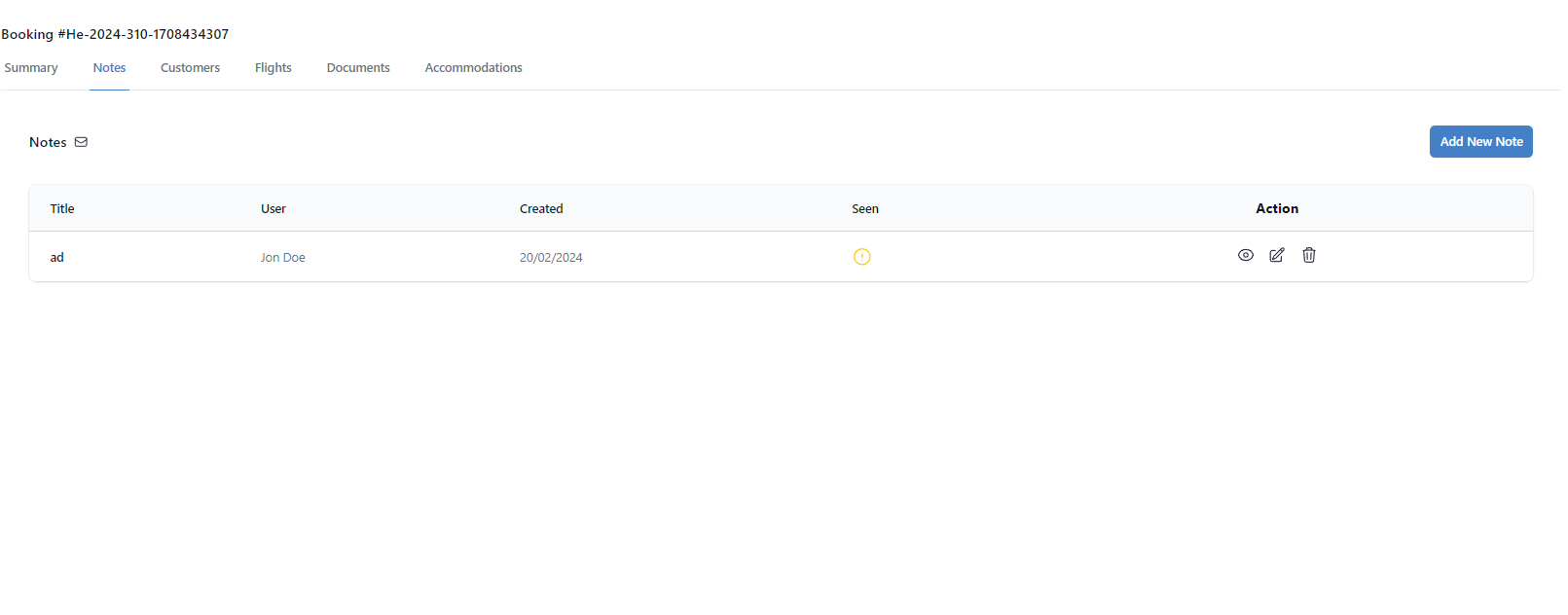
- Notes Facilitates communication of important information between you and Hellenic Travel operators.
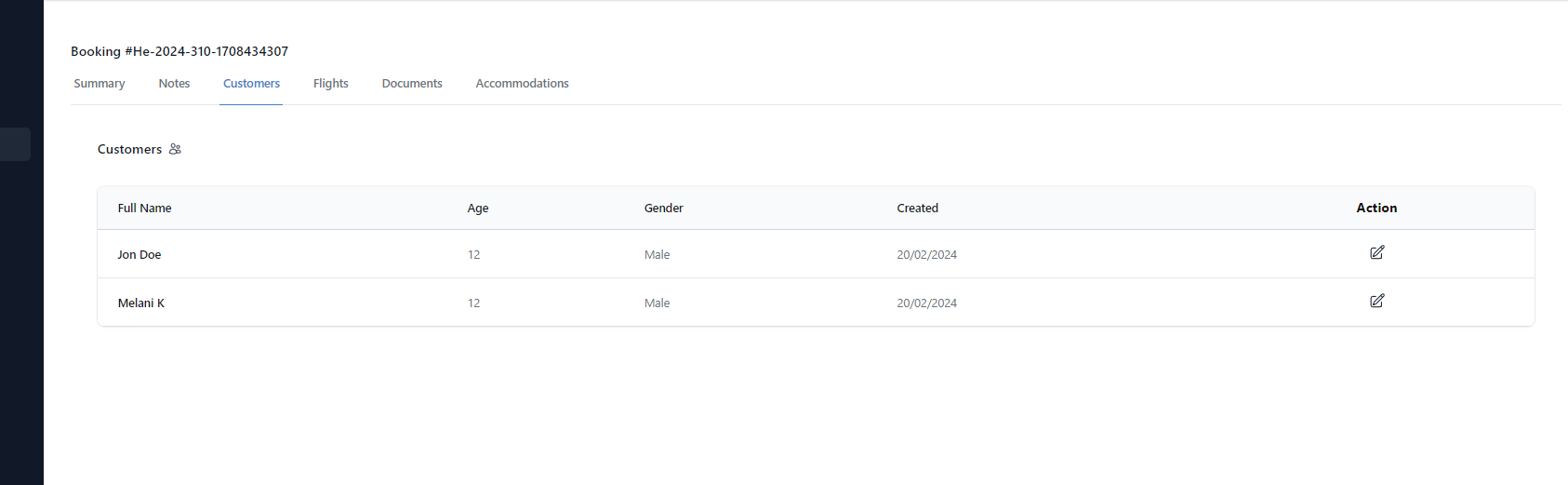
- Customers Allows you to view and edit customer details based on your initial booking input.
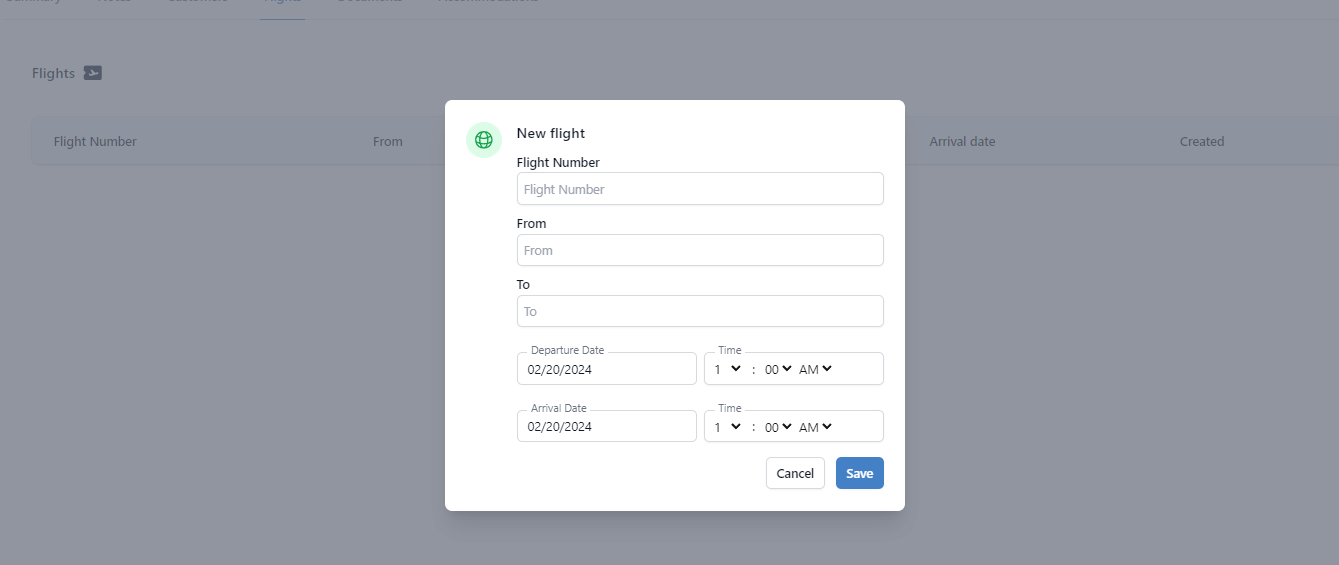
- Flights Displays flight details for customers arriving or departing from Greece.
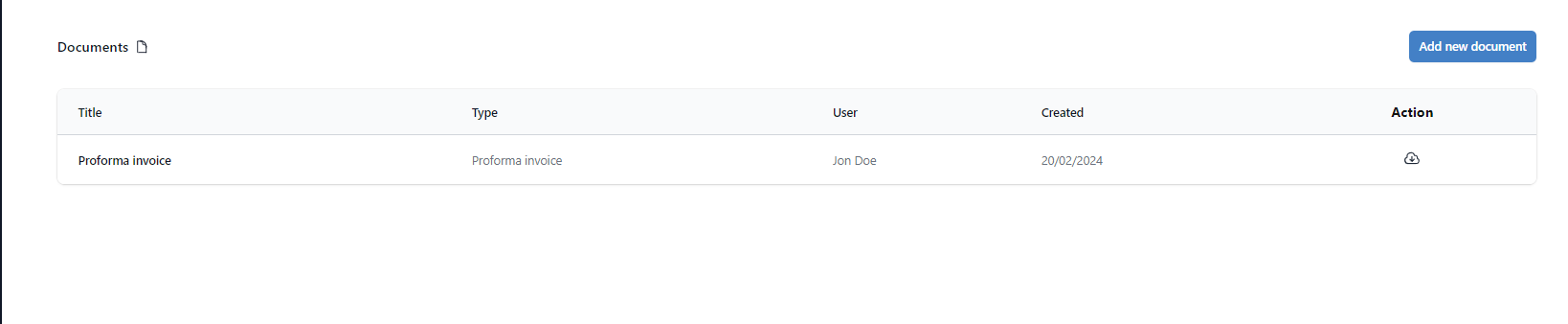
- Documents Enables you to upload necessary files and access the invoice from the initial booking.
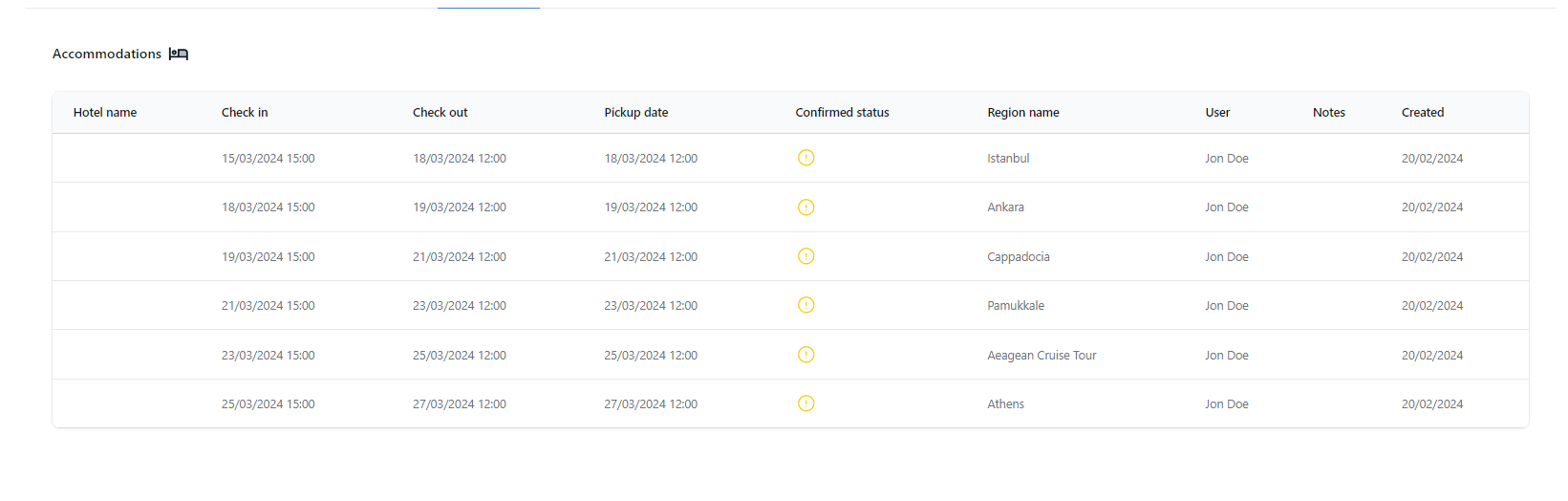
- Accommodations Shows confirmed hotels provided by your operator, with check-in and check-out dates calculated based on destinations and product duration.
My Bookings
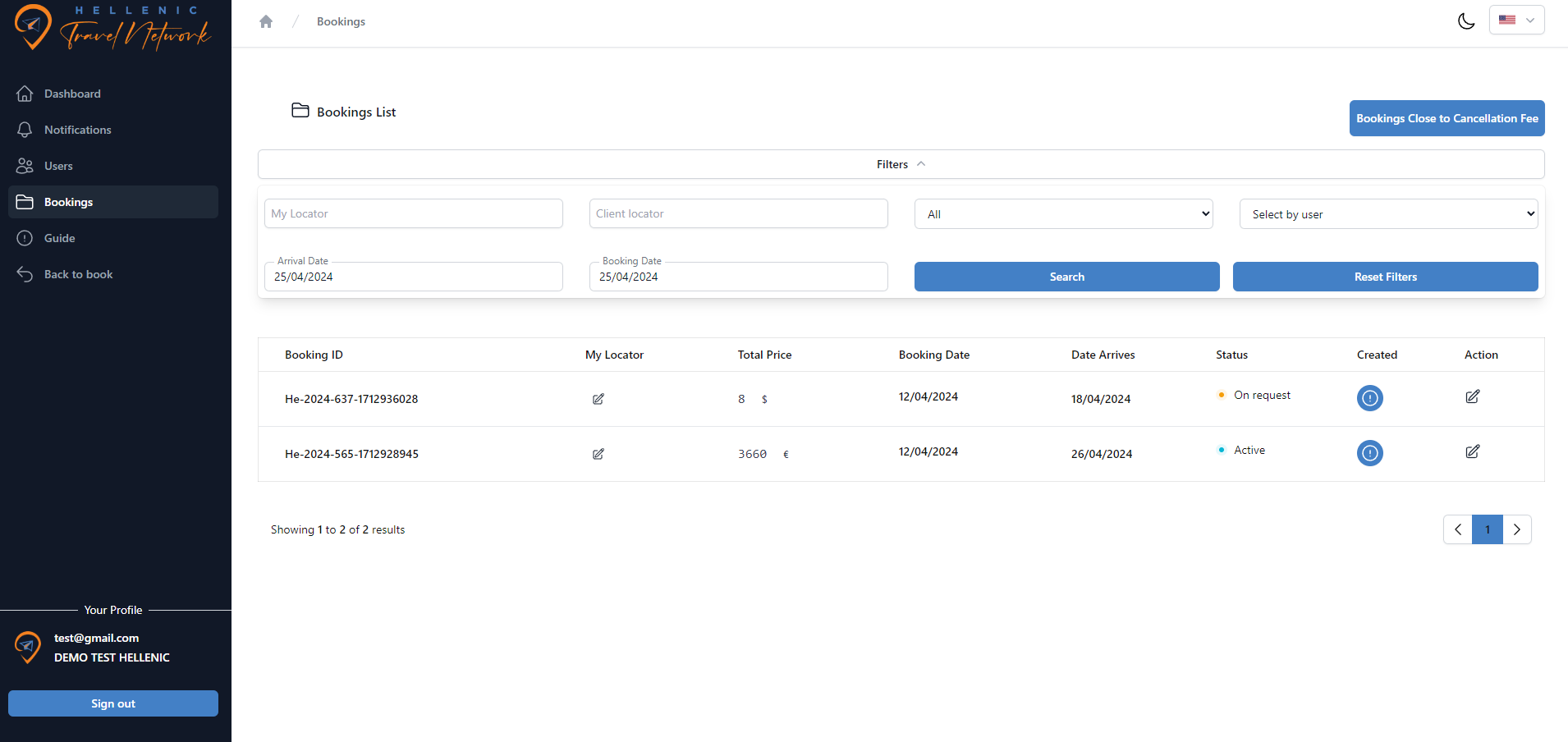
In your bookings dashboard, you'll find a comprehensive overview of all your bookings. Convenient filters at the top allow you to refine your search, making it easy to locate specific bookings. Additionally, by selecting the 'Bookings Close to Cancellation Fee' button, you can quickly identify bookings that require attention – these are bookings that remain unpaid and are nearing their cancellation fee date. Your locator indicates your own internal booking ID.
Booking Summary
The booking summary provides all the necessary information about your booking, including the product name, chosen arrival date, booking status, and the assigned operator. Operators are typically assigned within 24 hours of booking.
Notes
Use the notes section to communicate important information with us or your operator. You can add any details you believe are relevant to the booking, and your operator can also apply notes as needed.
Customers
In the customers tab, you can view and edit the initial customer information. Please note that you cannot add or remove customers directly. If you need to make changes, you'll need to either cancel the booking and create a new one or contact your operator for assistance.
Flights
In the Flights section, you can provide essential information required by your operators for necessary amendments. Typically, each booking involves two flights – one for arrival and one for departure. Here, you can input details such as flight numbers and arrival times, enabling operators to cross-check with other online resources.
Documents
In addition to the initial invoice, you have the flexibility to upload any crucial documents for your booking. For instance, you may choose to include passenger passports. Conversely, our operators will upload essential documents such as detailed itineraries, ferry tickets, and other items vital for your clients.
Accommodations
The Accommodations tab is consistently accessible for viewing throughout the booking process. From the creation of the booking, our system dynamically calculates the nights and destinations with overnight stays. Initially, the table may display without specific hotel names. However, as hotels are confirmed by your operator, these blanks are replaced with the respective hotel names and their status. This ensures that you have clear visibility into your accommodation arrangements as they progress.